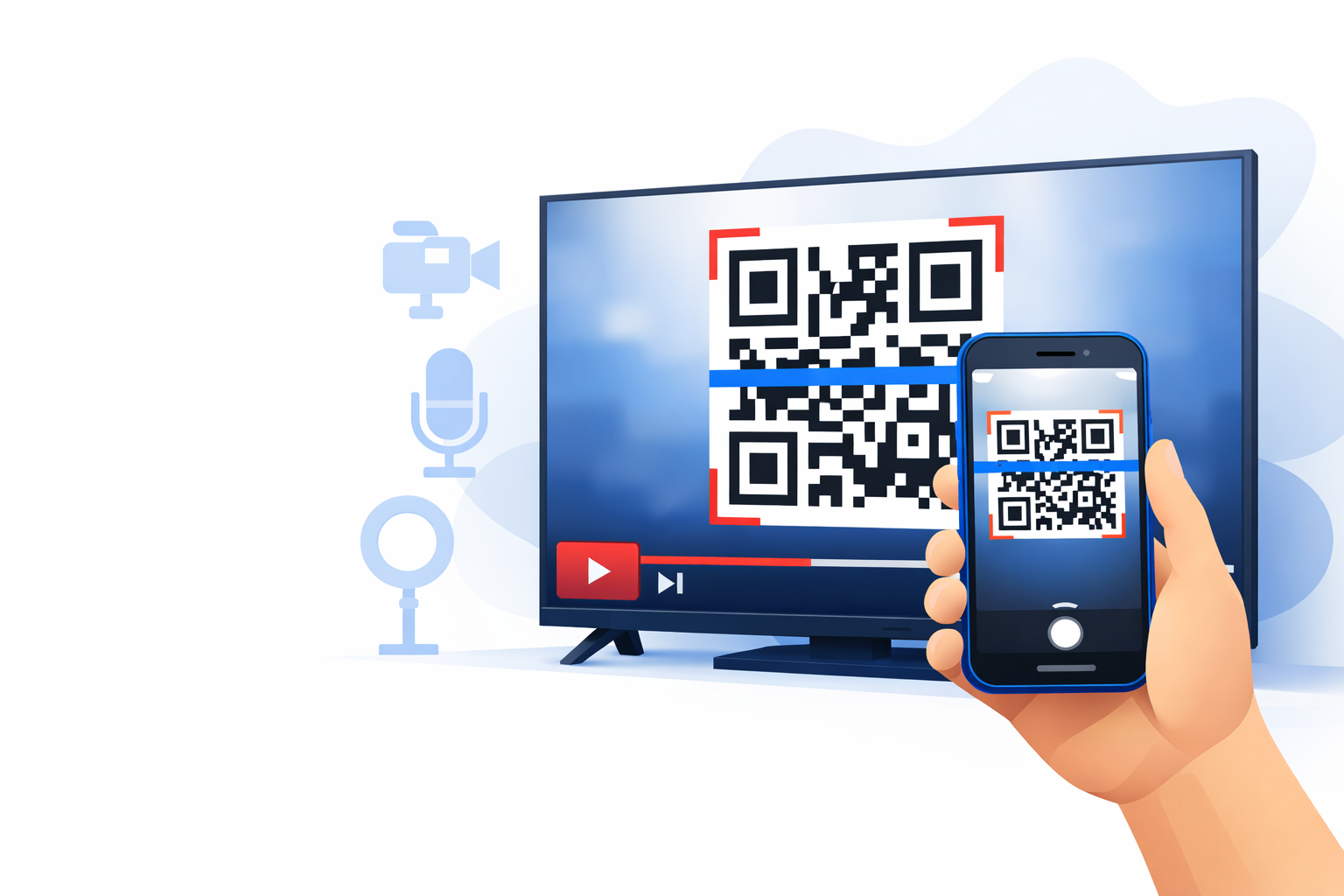
Learn how to use QR codes in YouTube videos & Shorts the right way: placement, size, timing, tracking & templates. Get more clicks, leads and sales with qrcode-builder.com.
QR Codes in YouTube Videos & Shorts: The Creator Guide to More Clicks, Leads & Sales (2026)
- Why QR codes are exploding on YouTube
- The 5 best use cases for creators
- No-friction QR codes: the creator mindset
- The biggest mistakes (and how to avoid them)
- Creator standard: what a QR code must look like
- Shorts vs. long-form: different strategy
- Best timing: when QR codes actually convert
- The perfect landing page after the scan
- Tracking: how to measure performance
- Dynamic QR codes for evergreen videos
- Design & branding: what works (and what doesn’t)
- 7 QR playbooks (copy & paste)
- Step-by-step quickstart
- Scan checklist
- FAQ
- Conclusion
Why QR Codes Are Exploding on YouTube
You know the line: “Link in the description.” But a big chunk of your audience watches on TV, others are on mobile in full-screen, and many are on the go. Almost nobody enjoys leaving the flow, expanding the description, scrolling, and finding the right link.
That’s exactly where QR codes win. They turn “I’ll check later” into “done in 10 seconds”— as a second-screen bridge: the video keeps playing, viewers grab their phone, scan, and go.
This effect is strongest when your viewers watch via Smart TV, console, or streaming stick. On those devices, the path to links is especially “long.” A well-placed QR code removes that friction.
The 5 Best Use Cases for YouTube Creators
1) Newsletter & Email List (Your #1 Creator Asset)
Reach can fluctuate and platforms change rules—your email list is yours. QR codes can send viewers straight to a mobile-first landing page: freebie → email → automation. That’s scalable and predictable.
2) Discord, Community, Membership
Community links in the description are often overlooked. A QR code shown at the exact moment of excitement (challenge, invitation, “join us”) converts far better.
3) Products, Merch & Digital Downloads
Less friction, more sales: video → scan → checkout. It’s especially effective for clear offers, limited-time drops, or when your video solves a problem and you offer the next step (course, template, bundle).
4) Sponsorship Integrations (Measurable Tracking)
Sponsors love clean numbers. With QR codes, you can attribute conversions per video and per placement (intro, midroll, outro) and later use those results in your media kit.
5) Feedback, Surveys & Format Optimization
Instead of “drop a comment,” use a QR code to a 30-second survey. You’ll get structured responses and improve content faster.
No-Friction QR Codes: The Creator Mindset
A QR code isn’t decoration. If you add one just because others do, it usually won’t move the needle. QR codes work when you treat them like a creator: as a mini call-to-action tied to a specific moment.
The 3 Questions to Ask Before Every QR Code
- Why now? (Why should the viewer act in this exact moment?)
- What do I get? (A clear benefit—“scan it” is not a benefit.)
- How fast is it? (One line like “takes 10 seconds” lowers resistance.)
If you can answer those three questions, you’re already ahead of most creators who simply slap a QR code on screen.
The Biggest Mistakes (and How to Avoid Them)
Many QR codes “don’t work” not because they’re broken, but because they’re used poorly—visually and structurally. Here are the usual culprits:
- Too small (not scannable on TV)
- Too short (people need time to pick up the phone and open the camera)
- Low contrast or busy background (b-roll, patterns, motion)
- No CTA / no benefit (“scan it” gives no reason)
- Wrong timing (not shown at peak interest)
- Weak destination page (slow, confusing, too many options)
- No tracking (no data, no optimization)
Fast fix: if you want instant improvement, go bigger, keep it up longer, and use a clear benefit.
Creator Standard: What a QR Code Must Look Like
1) Size & Position
Rule of thumb: your QR code must be scannable from a couch—not just from a desk.
- Size: at least 12–15% of the video width (at 1080p)
- Placement: bottom left/right, away from UI elements
- Margin: don’t place it too close to the edge (TV overscan)
2) Duration
- 8–12 seconds minimum
- for key CTAs: 15 seconds or repeat later
3) Calm Background & Contrast
- place the QR on a solid light box, not directly on video
- don’t crop the quiet zone (white margin around the code)
- avoid strong motion behind the code
4) Clear CTA Text
Formula: benefit + “scan now” + optional “takes 10 seconds”
- “Free checklist — scan now”
- “Claim your discount (today only) — scan”
- “All tools & links — scan”
Shorts vs. Long-Form: Different Strategy
YouTube Shorts
Shorts are fast and people are in scroll mode. If you use a QR code here, it must be brutally clear.
- show it near the end (after the value)
- make it as large as possible, high contrast
- if possible, keep it visible for 5–7 seconds
- destination page: one button, no distractions
Long-Form
In long-form, 2–3 placements are usually enough: after a strong section, at peak interest, and at the end.
Best Timing: When QR Codes Actually Convert
QR codes perform best when your viewer is emotionally or intellectually “in it.” Typical high-performing moments:
- Right after the value peak (you delivered, now offer the bonus)
- When you name the pain (QR as a solution/checklist)
- At the next step (clear continuation: “here’s what to do next”)
- At the end as a reward (“if you watched this far…”)
CTA Template (Copy & Paste)
“Get [benefit] — scan the code now. Takes only [time].”
Example: “Get the free checklist — scan the code now. Takes only 10 seconds.”
The Perfect Landing Page After the Scan
The QR code is only the door. If what’s behind it is messy, you lose the viewer immediately. A great destination page is mobile-first and optimized for one goal.
- Speed: loads fast on mobile
- Clarity: headline + 1 CTA button above the fold
- Focus: no 10 links, no unnecessary elements
- Trust: show your domain + a short “what happens next” line
If you have lots of resources, use a “resource vault” page—but keep it structured (top 5 links first, “more” below), not an endless list.
Tracking: How to Measure What Works
Without tracking, you only know you showed a QR code—not whether it drove results. Even a simple setup is worth it.
Minimal Tracking
Add UTM parameters to your URL, e.g.:
?utm_source=youtube&utm_medium=video&utm_campaign=video_title
Creator-Pro Tracking
- one dedicated destination URL / QR per video
- separate UTMs per placement (intro/mid/outro)
- A/B tests: CTA text, placement, duration
With this data, you can decide: does a midroll QR outperform an end-screen QR? Which CTAs generate more scans? Which videos drive the best leads?
Dynamic QR Codes for Evergreen Videos
YouTube videos can live for years. But links change: freebies, products, sponsor deals, landing pages. If you bake a QR into the video, it can become outdated.
Dynamic QR codes solve that: the QR stays the same, but you can change the destination later—no re-upload needed. This is perfect for tutorials, series, and “best tools” videos that keep getting views.
Design & Branding: What Works (and What Doesn’t)
Some branding can help recognition, but scanability comes first. The safest setup is classic: dark code on a light background.
- brand in the label/frame (box + text), not inside the QR itself
- center logos only if the QR remains reliably scannable
- color experiments only after testing across devices and distance
Bonus tip: show your domain as text next to the QR. It increases trust for viewers who are skeptical about QR codes.
7 QR Playbooks (Copy & Paste)
Playbook 1: Resource Vault
Goal: more clicks on tools & links
CTA: “All resources — scan now”
Playbook 2: Freebie for Email
Goal: email list growth
CTA: “Free template — scan”
Playbook 3: Discord Challenge
Goal: build community
CTA: “Challenge starts — scan & join”
Playbook 4: Sponsor Deal (Measurable)
Goal: sponsor conversions + proof
CTA: “Claim the discount — scan”
Playbook 5: Merch Drop
Goal: quick sales spike
CTA: “Drop is live — scan”
Playbook 6: Feedback Loop
Goal: improve your format
CTA: “30-sec survey — scan”
Playbook 7: Podcast / Spotify
Goal: increase subscriptions
CTA: “Subscribe now — scan”
Step-by-Step Quickstart
- Define one goal: exactly one action (e.g., download the freebie)
- Build the landing page: mobile-first, fast, clear CTA
- Add tracking: UTMs or a dedicated link per video
- Create the QR: contrast + quiet zone
- Test: scan from a distance (TV / ~2 meters test)
- Embed: 8–15 seconds + benefit CTA
- Measure: scans/clicks/leads and optimize
Scan Checklist: “Scannable or Not?”
- QR code is large enough (TV test passed)
- visible for at least 8–12 seconds
- calm background + contrast box
- clear CTA: benefit + action
- mobile-optimized destination (one goal, one button)
- tracking is enabled (UTM/link)
- tested on multiple devices
FAQ
How often should I show QR codes in one video?
Usually 2–3 placements are enough: after a strong point and at the end. Too many can feel like ads.
Do QR codes work for viewers watching on TV?
Yes—this is where QR codes shine. Just make sure it’s large, high-contrast, and visible long enough.
How do I build trust for skeptical viewers?
Show your domain/link text and clearly explain what happens after scanning (“free PDF” beats “scan this”).
Shorts: is a QR code worth it?
Only if it’s large enough and you explain the benefit in one sentence. Otherwise, use description + pinned comment.
Conclusion: QR Codes Are Second-Screen Conversions
QR codes in YouTube videos aren’t decoration. They’re a conversion tool that matches modern viewing behavior: video on the big screen, action on the phone.
If you nail size, duration, contrast, and a benefit-driven CTA— and combine it with tracking—you can increase clicks, leads, and sales without harming the viewer experience.